How to Get More Google Reviews for Your Business (No Tricks, No Nagging)
It happens on almost every high street. The barbershop across the road has 312 Google reviews and a 4.8. Yours has 23, a 4.6, and the latest one is from February. The odd part is that your clients leave just as happy as theirs, maybe happier. The difference isn't the haircut. Over there, someone asks for the review. Over here, nobody does.
Reviews don't turn up on their own. Happy clients go home, have dinner and forget. Unhappy ones, on the other hand, often do sit down and write. That's why a business that never asks ends up with few reviews and a lower average than it deserves.
The short answer: to get more Google reviews you have to ask for them, ask every client, ask at the right moment, and give them a link that gets them there in one tap. You get the link from your Google Business Profile. You ask in person right after the service, send a WhatsApp or text reminder that same evening, and leave a QR code on the counter for anyone who'd rather do it alone. What you can't do is offer anything in return or ask only the clients who look happy: Google bans both and can remove the reviews.
Here's the full method, with what Google says, what the law says, and lines you can use to ask without feeling pushy.
Why reviews matter so much to a local business
For two reasons that add up: Google shows you more, and people pick you more.
Google uses them to decide who to show
When someone searches "hair salon near me", Google ranks the businesses on the map by three things: how well your profile matches the search, distance, and what Google calls prominence, meaning how well known your business is. Its own help page puts it plainly: more reviews and positive ratings can improve a business's local ranking.
You can't change distance. You fill in your profile once. Reviews are the only thing on that list you can work on every week.
And clients read them, especially recent ones
The most quoted review study in the industry is BrightLocal's yearly survey. The 2026 edition polled 1,002 consumers in the United States, so treat it as a guide, but the numbers match what you see in any town:
- 68% only choose businesses with 4 stars or more, and 31% insist on 4.5 or more (up from 17% a year earlier).
- 74% look for reviews written in the last three months. A profile whose latest review is a year old looks like a business that has closed.
- 80% are more likely to use a business that replies to all its reviews.
- 78% were asked for a review in the past year, and most of those who were asked went on to write one.
That last figure is the one that matters. People don't mind being asked for a review. It's just that almost nobody writes one unless they're asked.
AI assistants read them too
More and more people ask ChatGPT, Gemini or Google's AI Mode things like "what's a good barber near me?". Those answers are built from what's published about each business, and Google reviews are a big part of that. If your reviews say clients get "really clean skin fades" or that "the physio explains every exercise", that's exactly the kind of text an AI can use to recommend you. We go into more detail in our guide to SEO, GEO and AEO for local businesses.
What you can't do (even if you see others doing it)
Before asking for a single review, it's worth knowing where the lines are, because crossing them is costly: Google can delete the reviews, and in many countries some of these practices are against the law.
Under the Google Maps content policy, you may not:
- Give anything in return. No discount, no free product, not even a stamp on your loyalty card. Google calls it "fake engagement" and bans it even when the review is honest. The "10% off if you leave us five stars" sign you see on some counters is exactly what not to do.
- Ask only the clients who look happy. This is known as review gating: asking "how did it go?" first and sending the Google link only to those who answer well. Some review tools do it automatically. Google explicitly bans it: you have to ask everyone.
- Put pressure on people in the shop. Don't stand there watching while a client writes the review at the counter, and don't ask them to mention a particular staff member.
- Post reviews from family, staff or friends of the business. Google treats that as a conflict of interest.
Then there's the law. Across the EU, the Omnibus Directive made fake reviews an unfair commercial practice. In Spain, since May 2022 the Unfair Competition Act treats posting fake reviews, or paying someone else to post them, as an unfair practice (article 27.8, added by Royal Decree-law 24/2021). The UK and US have similar rules. Buying reviews isn't a grey area: it's an offence.
The good news is that what's allowed works more than well enough. Google says clearly that you can ask for and encourage reviews, as long as they reflect a real experience and nothing is given in return.
Step 1: get your direct review link
If you tell a client "look us up on Google and leave us a review", you've lost them. They have to search for you, find the right profile, scroll to the reviews and tap the button. Too many steps. The direct link opens the review box with the stars already in front of them.
Google explains how in its help article "Create a link or QR code to request reviews". From a computer:
- Open your Business Profile at business.google.com.
- Click Read reviews and then Get more reviews (the share icon).
- Copy the link. From the same window you can save the QR code by right-clicking it and choosing "Save image as…".
If you manage your profile from Google Search (searching your business name while signed in), the button is usually called Ask for reviews and gives you the same link. It looks something like g.page/r/… and doesn't expire.
Once you have the link, you can create a free QR code with a print-ready card using our Google review QR code generator. No sign-up, and the link never leaves your browser.
Step 2: pick the right moment
You ask for a review the way a good waiter mentions dessert: right when the client is enjoying themselves. Five minutes earlier is too soon, and two weeks later they've forgotten.

Here's what tends to work for appointment-based businesses:
| Moment | How to ask | Why it works |
|---|---|---|
| When the service ends, at the mirror or on the treatment table | In person, in one sentence | The client is looking at the result. It's when they most want to say something nice. |
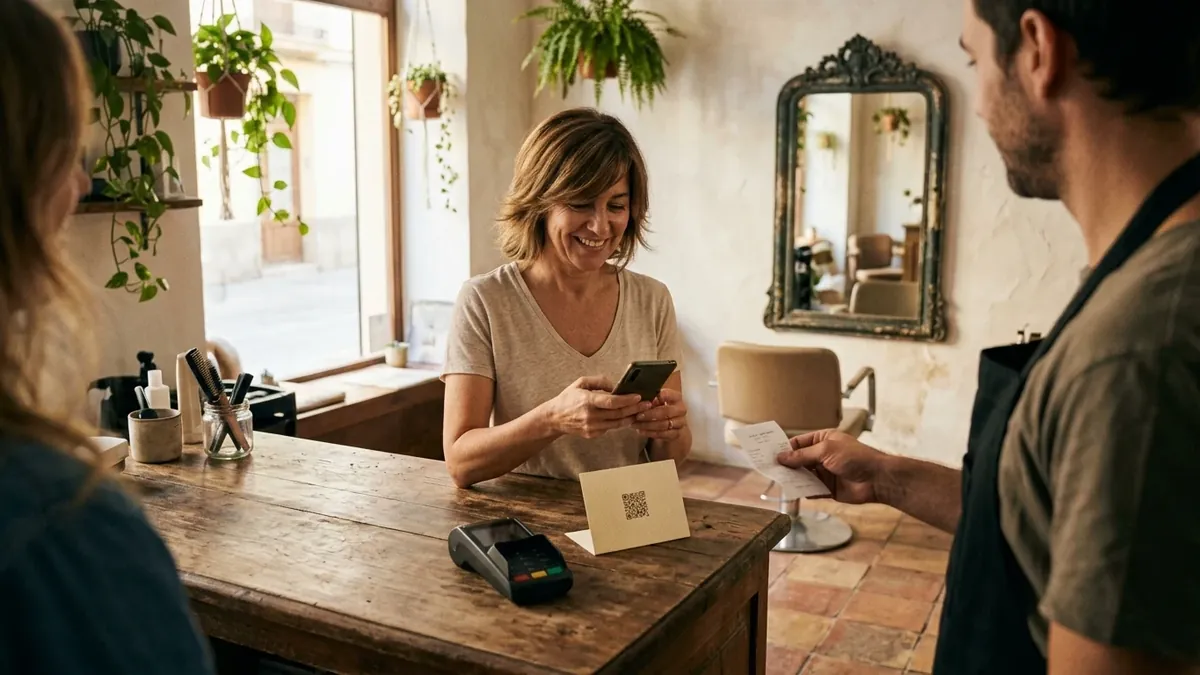
| At the till | Pointing to the QR code on the counter | Lots of people already have their phone in hand to pay. |
| That same evening, 2 or 3 hours later | WhatsApp or text with the link | They're home, relaxed, and the visit is still fresh. It's the channel with the best response. |
| When someone thanks you by message | Replying with the link | They've already written what they think; they just need to paste it into Google. |
| Once every few months, to all your clients | Phone notification or status update | It reaches your long-time regulars, who never write because "you already know them". |
And one rule that applies to all of them: ask everyone. Don't choose based on the look on their face. As well as being what Google requires, it has a practical upside: a 4.7 with the odd so-so review looks far more believable than a perfect 5.0.
Step 3: what to say so you don't sound like a salesperson
Plenty of owners feel awkward asking for reviews. It feels like begging for a favour, or like you're desperate. It isn't, if you say it naturally and don't push. It works better when you explain why it matters to you and make it clear it's quick.
A few lines you can use as they are:
- "One thing: if you fancy saying on Google how it went, it really helps us. I'll send you the link and you can do it whenever."
- "We're a small business and most new clients find us on Google. If you leave us a review, even one line, it makes a huge difference."
- "Mind if I send you our Google link so you can leave your opinion? It takes less time than paying."
Notice what they don't say. They don't ask for five stars, they don't ask anyone to mention a name, and they don't attach conditions. They ask for an opinion, that's all. And they give a way out ("whenever"), which is what stops it feeling like pressure.
Step 4: the message that same evening
If you only do one thing from this guide, make it this one. Asking in person opens the door, but most people write the review when the link arrives and they have a spare minute.
A message that works:
Hi Marta! Thanks for coming in today. If you've got a minute, it would really help us if you shared on Google how it went: [link]. And if anything wasn't quite right, please tell us too, we'd like to know.
That last sentence isn't just politeness. If the client has a complaint, you're giving them somewhere to say it before they write it on Google, and you get the chance to put it right. Note that the Google link goes to everyone the same way: you aren't filtering anyone.
If you'd rather not write the messages from scratch, there are ready-to-copy templates (review request, appointment reminder, free slot and more) in client messages. Add your business name, choose a friendly or formal tone and copy them into WhatsApp.
So you don't forget, it helps to have a fixed moment. At closing time, for example: open the day's diary and message every client who came in. With AppMyBusiness, every appointment clients book through your app shows up in your dashboard with their name and phone number, and you can mark it as completed. At the end of the day you have the exact list of who to message, without hunting through a notebook for numbers.
Step 5: the QR code, where people wait or pay
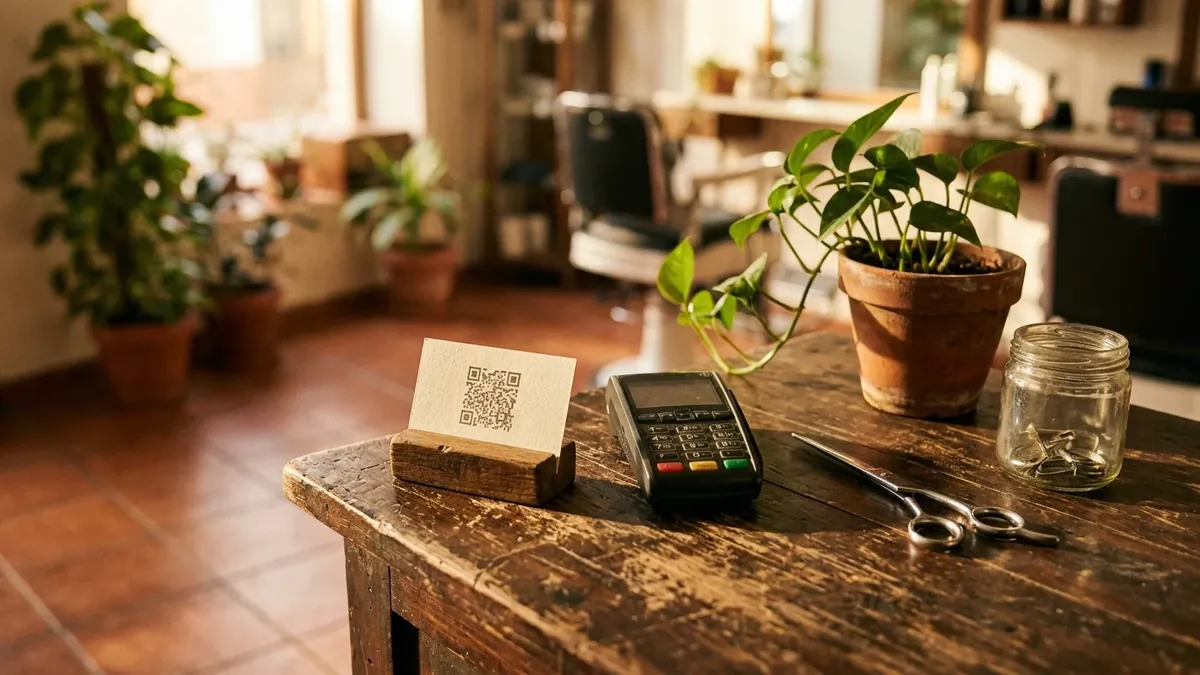
A QR code on its own, with nobody mentioning it, gets few reviews. But alongside a spoken request it works very well, because it removes the "I'll look it up later" excuse. Places where it usually pays off:
- Next to the card reader, where the phone is already in hand.
- On the styling mirror or the wall facing the treatment table, at eye level.
- In the waiting area, for people waiting their turn or keeping someone company.
- On the back of your business card or appointment card.
Put a short line above it, something like "How did it go? Tell Google", and skip the drawn five stars asking for top marks.
Reply to every review, especially the bad ones
Asking for reviews without replying to them is doing half the job. A reply tells anyone reading your profile that there's a person behind the business who cares, and in the BrightLocal survey 80% trust businesses that reply to all their reviews more. But 50% are put off by generic replies, so no pasting the same "Thanks for your review!" under every one.
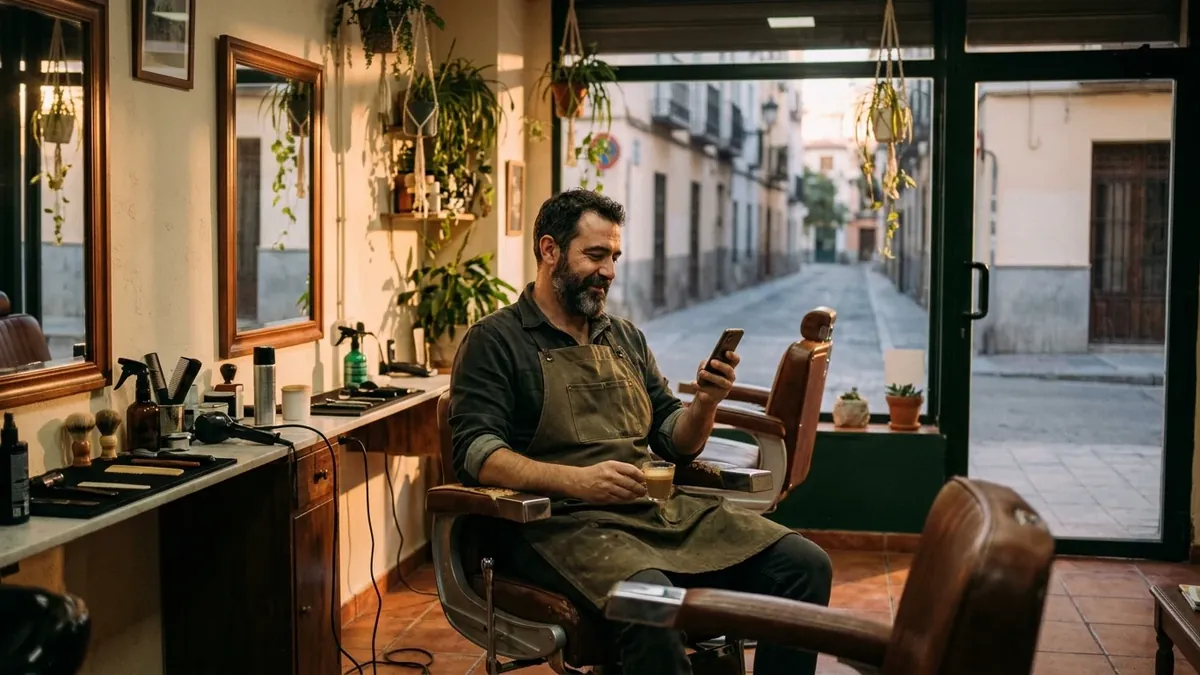
For good reviews, one personal line is enough: use the client's name and mention something they said. "Thanks, Javi. Glad the fade held up for the whole wedding."
For bad ones, a structure that works:
- Reply within a few days, but not in the heat of the moment. Give it a few hours.
- Thank them and acknowledge what's true. "You're right that we kept you waiting twenty minutes."
- Explain without over-justifying. One sentence of context, not a paragraph.
- Offer to sort it out away from Google. "Message us on WhatsApp and let's talk."
Remember you're not writing that reply for the angry client, but for the hundred people who will read it later. A bad review answered well can be more convincing than ten good ones.
If a review is fake, offensive, or from someone who was never your client, you can report it from your Business Profile. Google will remove it if it breaks its policies. If it's simply an opinion you don't like, it can't be deleted: the best you can do is answer it well.
A steady trickle beats a flood
Some businesses set out to get 50 reviews "this month" and manage it by asking everyone they know in a single week. It's a bad idea for two reasons. First, Google's policy lists "unusual volumes or patterns" of reviews as a possible sign of manipulation. Second, three months later you're back to a profile with no recent reviews, which is exactly what clients look at.
What works is a small, steady pace. If you see around 15 clients a day and one in twenty leaves a review, that's about 50 reviews a quarter and close to 200 a year. That puts you ahead of almost any competitor on your street, and your profile always has opinions from this month.
How your own app helps you get reviews
Everything above can be done with a notebook, WhatsApp and a printed QR code. But there are three areas where having your business's own app makes the job much easier.
One notification to ask all your clients at once
Your most loyal clients hardly ever write reviews. They've been coming for years and it just doesn't occur to them. With the AppMyBusiness Pro plan you can send a notification to the phone of everyone who has your app installed, with a link that opens when they tap it. That link can be your Google review link:
Could you help us with something? Lots of new clients find us on Google. If you've been coming for a while and want to share how it's going, tap here. Thank you!
Because it reaches everyone equally, it's exactly the kind of request Google allows: you aren't choosing who gets it. Once every three or four months is plenty. More often than that starts to wear people out. There are more ideas on what to send and how often in our push notifications guide.
Your diary tells you who to message each evening
As we said in step 4, every booking lands in your dashboard with the client's name and phone number. The evening message stops depending on your memory.
Reviews bring visitors; the booking button turns them into clients
More reviews mean more people looking at your Google profile. If that profile has a booking link that leads to your app, some of those visits turn into appointments without you picking up the phone. Adding it takes a few minutes: paste your app's address as the booking link in your Business Profile, and put the same link in your Instagram bio and your WhatsApp Business profile.
One warning, in case you use the digital stamp card: don't give a stamp in exchange for a review. It's an incentive and Google bans it. The card is there to bring clients back; reviews are asked for separately.
You can create and publish the app for free in a few minutes, with unlimited bookings and your own QR code. Notifications and the stamp card are in the Pro plan, which costs €9.90 a month VAT included, with no contract and no booking fees. If you run a salon, see how the hair salon app looks; for a barbershop, the barbershop app.
The most common mistakes
- Saying "look us up on Google" instead of sending the link. Every extra step loses half the people.
- Only asking when you happen to remember. Without a fixed moment (when the service ends, at closing time), you'll have stopped within two weeks.
- Offering something in return. A discount, a stamp, a prize draw among reviewers. All of it is banned.
- Only replying to bad reviews, or replying defensively.
- Leaving your profile half filled in. Out-of-date opening hours or no recent photos chip away at trust, however good the reviews are.
Frequently asked questions
How do I get the link for clients to leave a Google review?
From a computer, open your Business Profile at business.google.com, click "Read reviews" and then "Get more reviews". There you can copy the link and download the QR code. If you manage your profile from Google Search, the button is called "Ask for reviews". The link doesn't expire.
Can I offer a discount in exchange for a Google review?
No. Google bans offering discounts, free products or any other incentive in exchange for posting a review, even an honest one, and it can remove reviews obtained that way. Giving a loyalty card stamp doesn't count as an exception either.
How many Google reviews does a local business need?
There's no magic number. What counts is having more than similar businesses near you, an average of 4 stars or more, and recent reviews: 74% of consumers look for reviews from the last three months. A steady pace of a few reviews a week works better than lots at once.
Can negative Google reviews be deleted?
Only if they break Google's policies, for example if they're fake, offensive or from someone with a conflict of interest. You report them from your Business Profile. If it's a genuine opinion, it can't be deleted; the best thing is to reply calmly and offer a solution.
Is it better to ask for a review in person or by WhatsApp?
What works best is doing both: ask in person when the service ends and send the link by WhatsApp or text that same evening. Asking in person gets the client to commit, and the message gives them the link when they have time to write.
Sources
- Google Business Profile Help. Tips to get more reviews.
- Google Business Profile Help. Create a link or QR code to request reviews.
- Google Business Profile Help. Tips to improve your local ranking on Google.
- Google Maps Help. Prohibited and restricted content.
- BrightLocal. Local Consumer Review Survey 2026. February 2026, 1,002 US consumers.
- Spain's Royal Decree-law 24/2021 of 2 November, amending the Unfair Competition Act 3/1991 (article 27). In Spanish.